Download SensorCast for Android
Turn your Android phone into a professional sensor lab — free, with no wiring and no extra hardware.
Free • Android 7.0+ • No account required to start
What you get
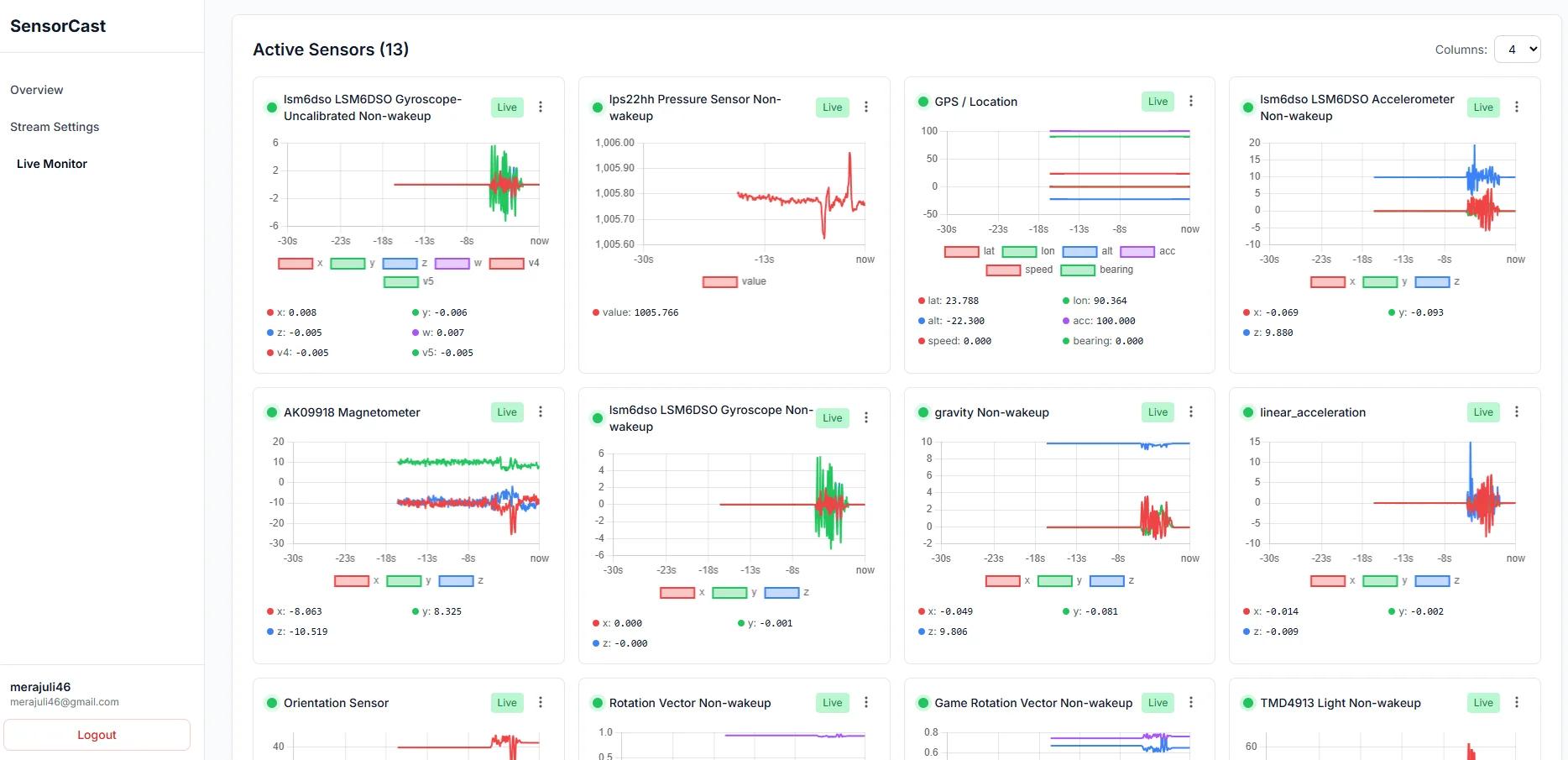
- 20+ built-in sensors: accelerometer, gyroscope, magnetometer, GPS, light, proximity, pressure & more
- Stream over Bluetooth, WiFi (WebSocket), or USB
- Works with Arduino, ESP32, and Raspberry Pi
- Choose your data format: JSON, CSV, or compact
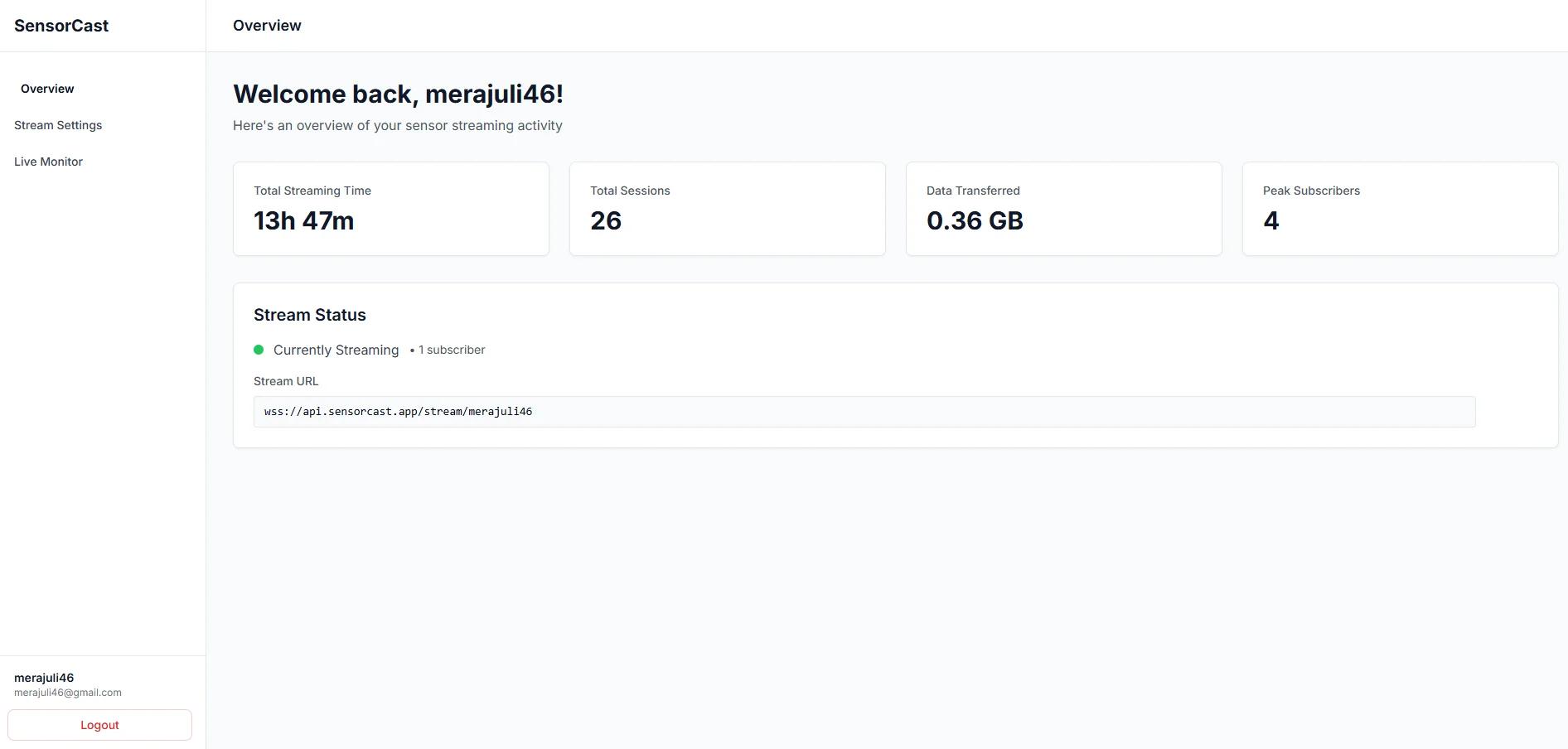
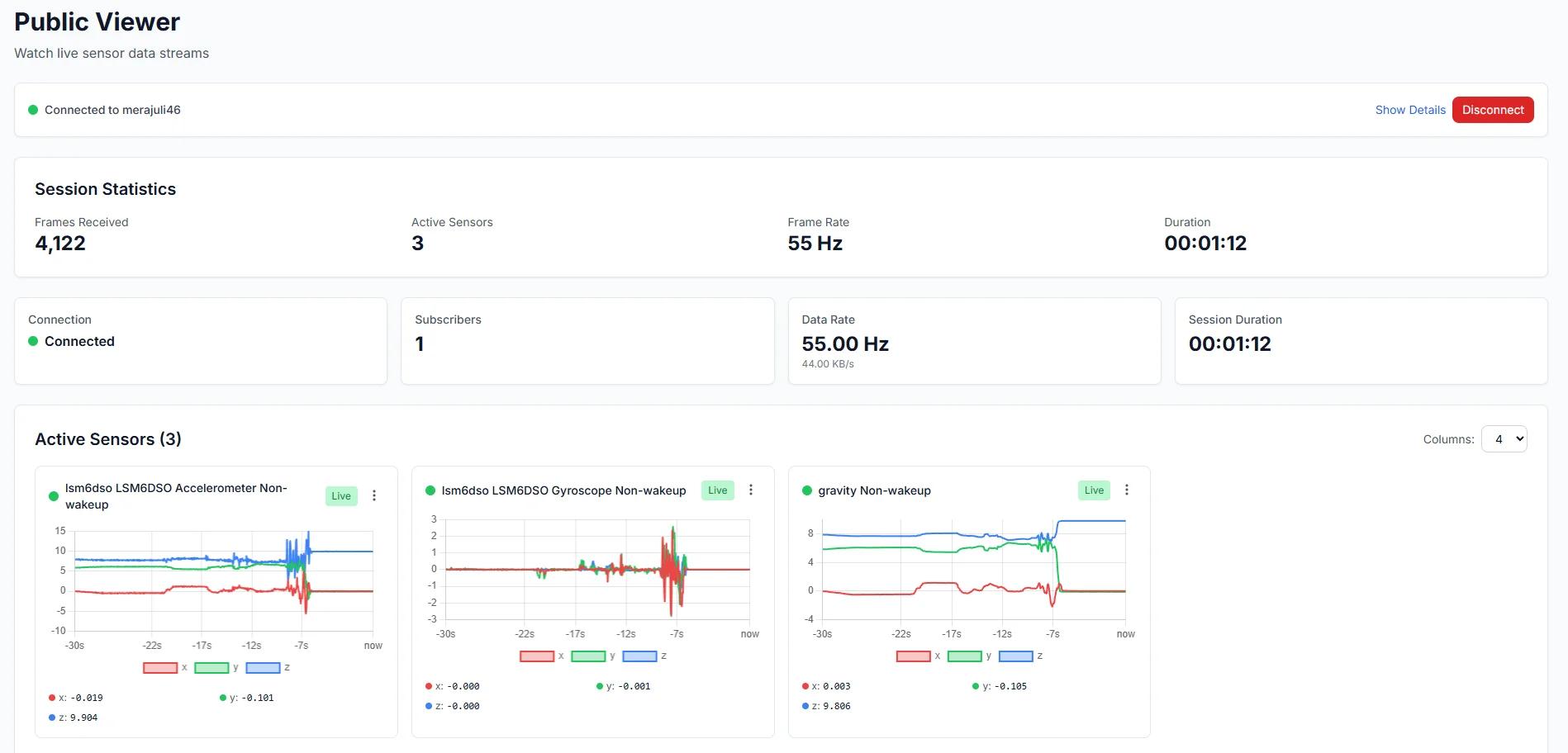
- Public and private streaming modes
- Real-time in-app gauges to preview live sensor data
Stream your first sensor in 3 steps
- 1
Install & open
Download the app from Google Play and open it — no account required to start streaming.
- 2
Pick your sensors & connection
Select the sensors you need and choose Bluetooth, WiFi, or USB as the output transport.
- 3
Receive data on your board
Point your ESP32, Arduino, or Raspberry Pi at the stream using the snippets in the docs.
Ready-to-paste ESP32, Arduino, and Python code lives in the developer docs.
Requirements
Android 7.0+
API Level 24 or higher
~50MB Storage
Free space required
Internet Connection
For WiFi/WebSocket streaming
Sensor permissions (location for GPS, body sensors for heart rate) are requested only for the sensors you choose to stream.
Need help? Check our FAQ for troubleshooting and setup guides